
Device Settings
⚙️ Settings Menu Overview
This guide provides a breakdown of all device settings in the tinyLeague™ Hub app, used to modify and customize your device. Use the definitions below to become familiar with each feature.
📶 Device Information
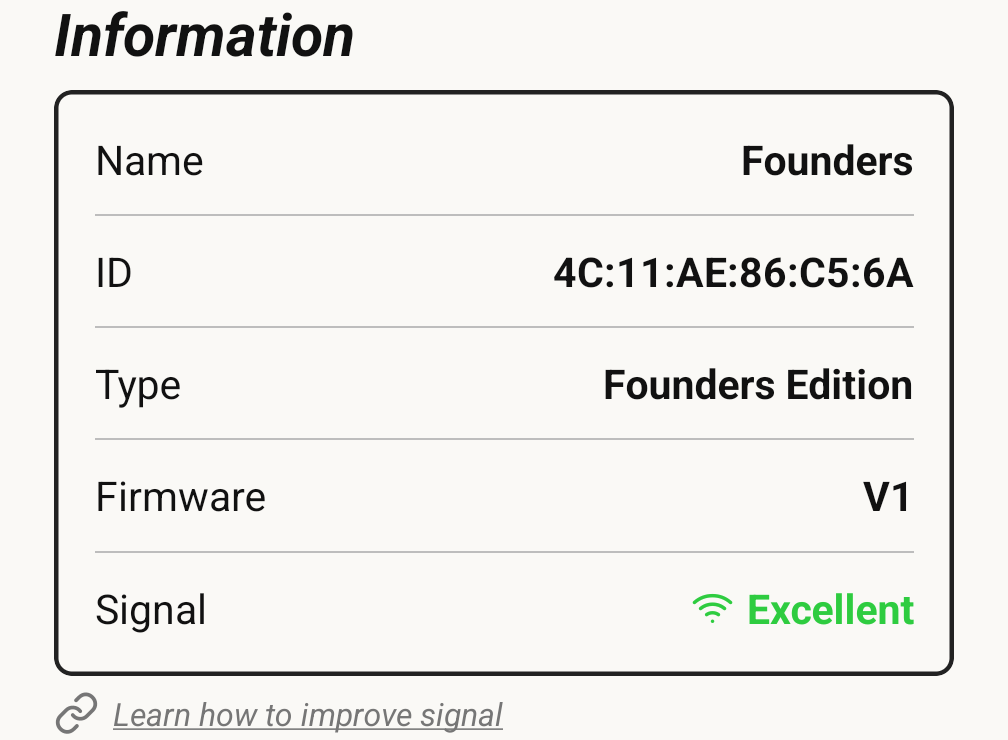
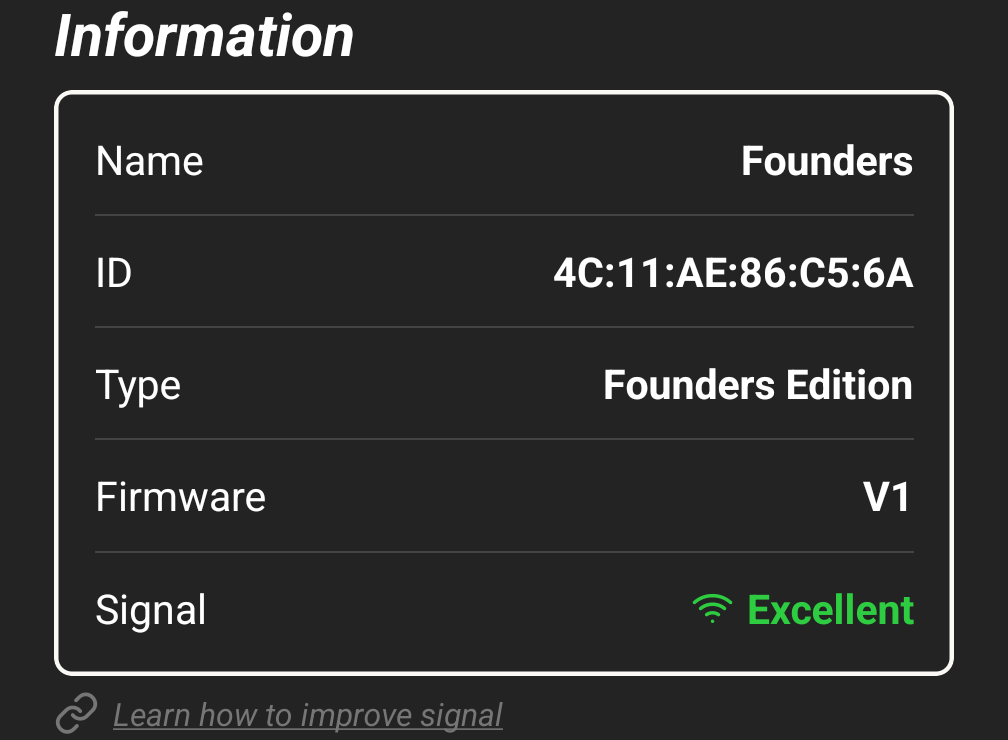
This section gives some important information for this connected device. Signal shows the current Bluetooth link quality, and Learn how to improve signal beneath it links to placement advice if the reading is poor.
✏️ Rename Module
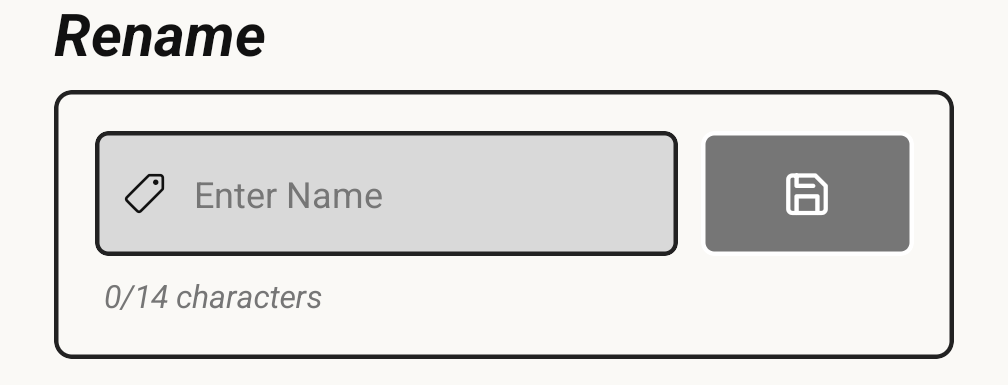
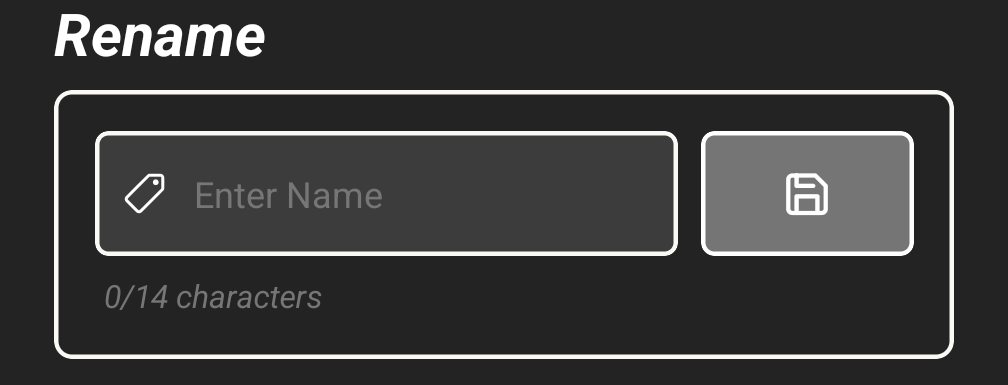
Change the display name of the connected module, perfect for identifying clocks by location (e.g., "Court A", "Home Team").
🎨 Color Picker
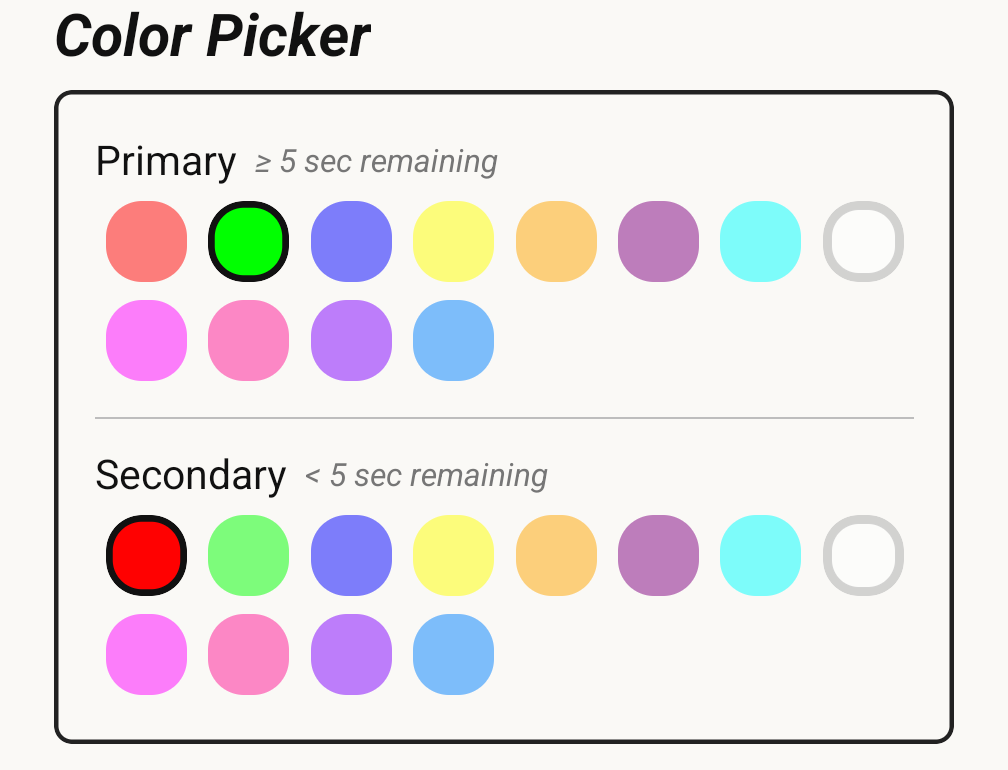
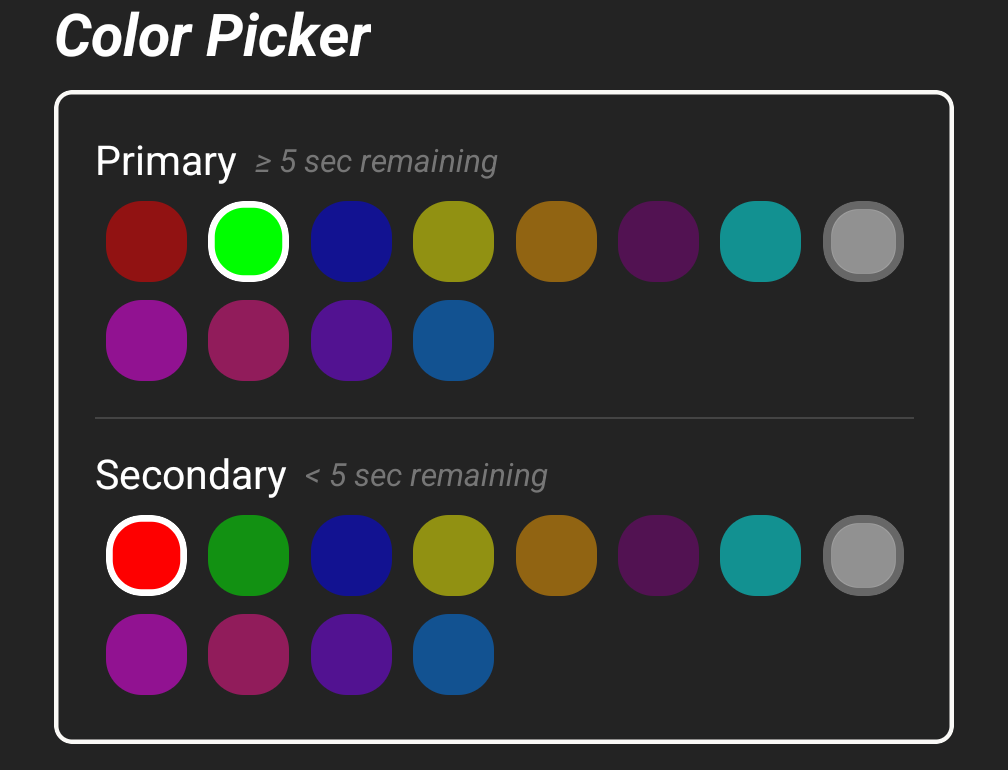
Select primary and secondary LED colors to match team colors or improve visibility. Changes are immediately applied to the connected module.
🔗 Disconnect Device


Use this button to disconnect from your device. You will be navigated back to the Connections Menu, where your device will appear under Saved.