
App Settings
⚙️ Settings Menu Overview
This guide provides a breakdown of all app settings found in the tinyLeague™ Hub app, making it easy to change how your app works. The settings screen is arranged in three groups, covered below in the order they appear.
⚙️ General
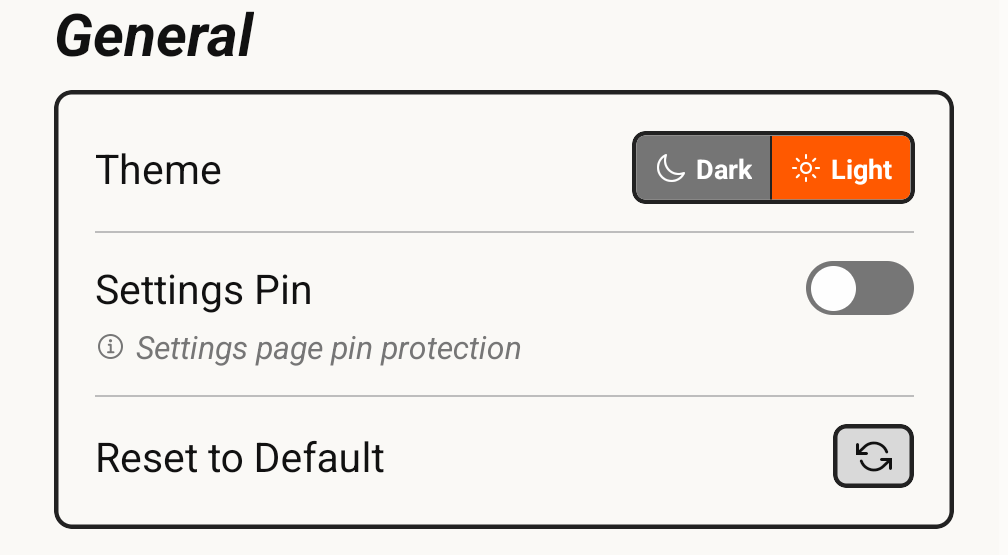
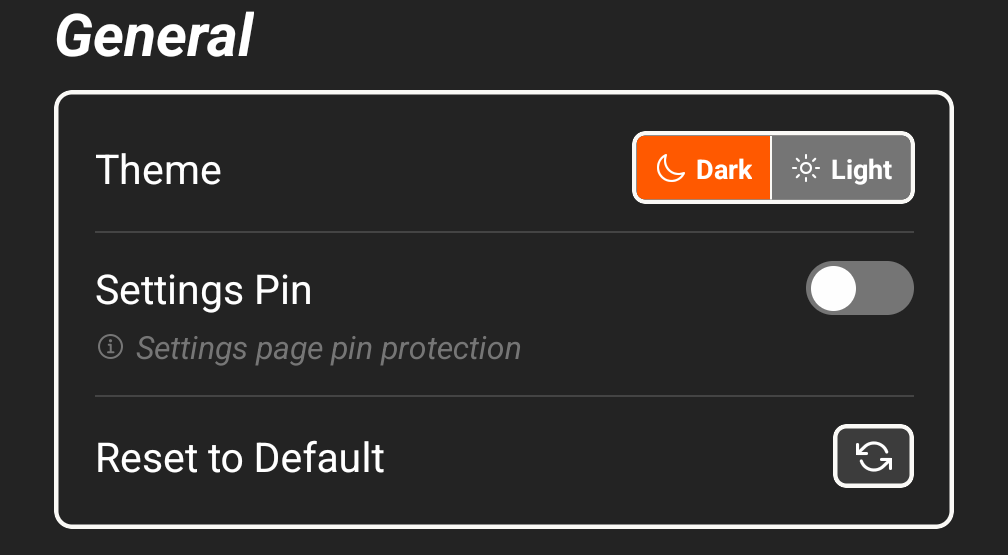
🌙 Theme
Set your app theme to light or dark mode!
🔒 Settings Pin
Add a layer of protection by requiring a PIN to access settings. Great for ensuring volunteers or players don’t modify critical configuration.
🧹 Reset to Default
This button will restore your app to default settings.
⏱ Timer Logic
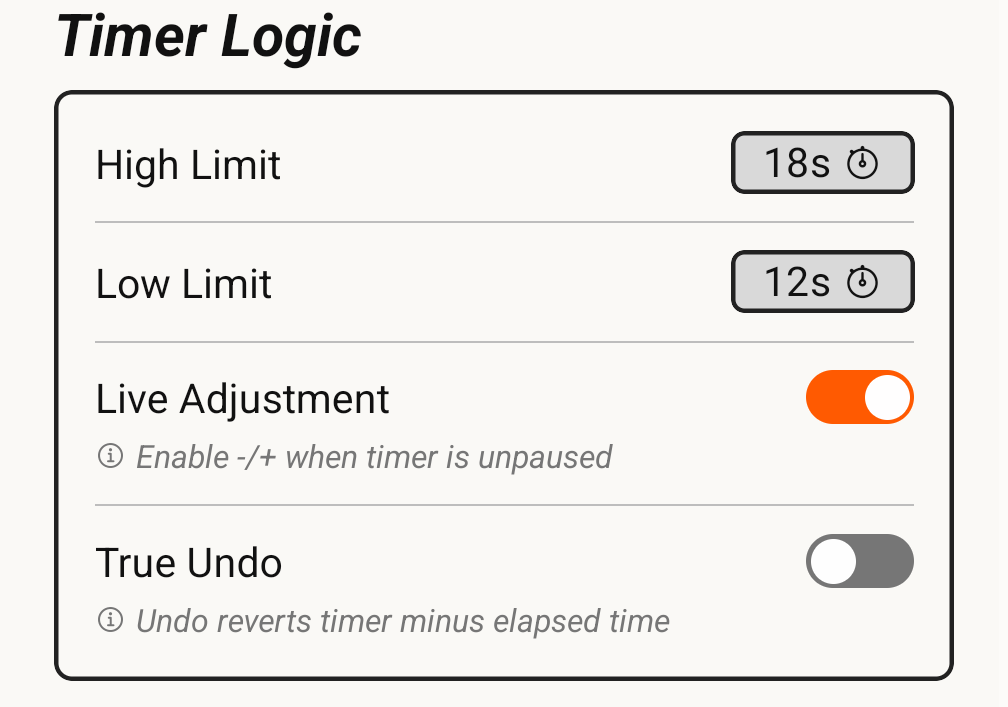
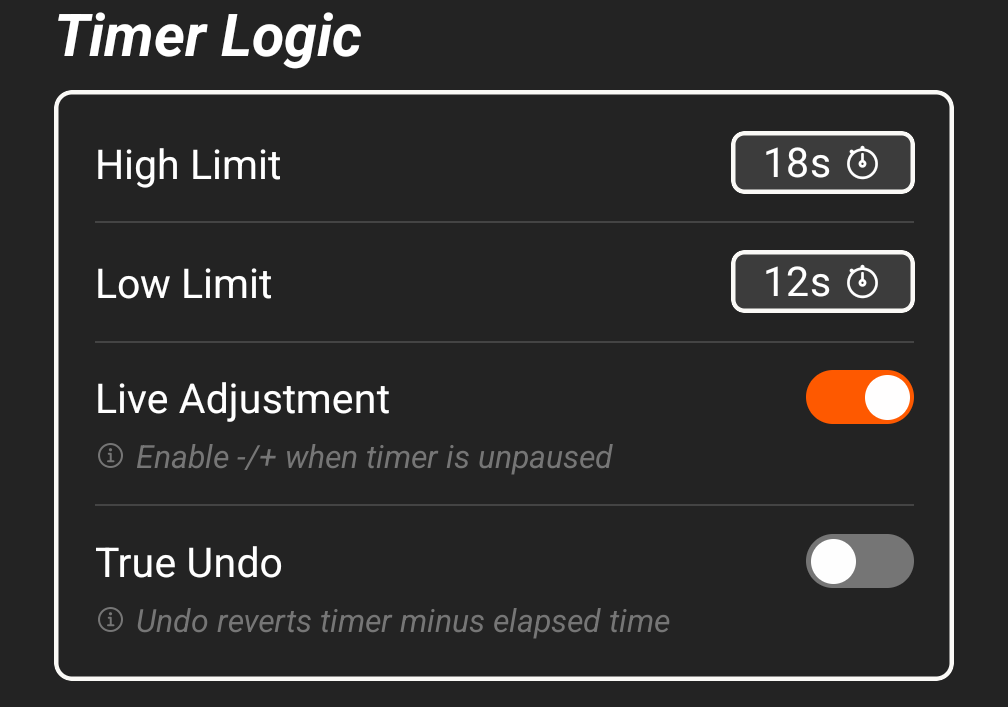
High Limit and Low Limit
Adjust the default values for high and low player count shot clock durations. These will affect how much time appears on the clock when reset after the High/Low Switch is toggled.
🎚 Live Adjustment
When enabled, the ➖ and ➕ buttons stay active while the timer is running, so you can correct the clock without pausing first. Turn it off if you would rather the clock only be adjustable while paused.
🔁 True Undo
When enabled, the app will continue tracking clock time in the background after a reset, allowing for more accurate "Undo" operations.
🔊 Audio & Cues
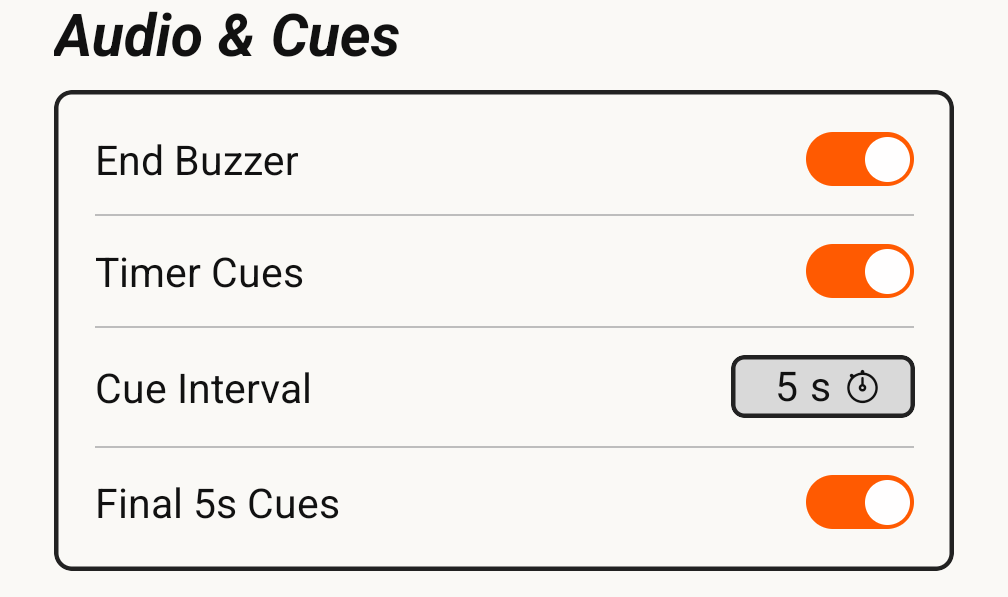
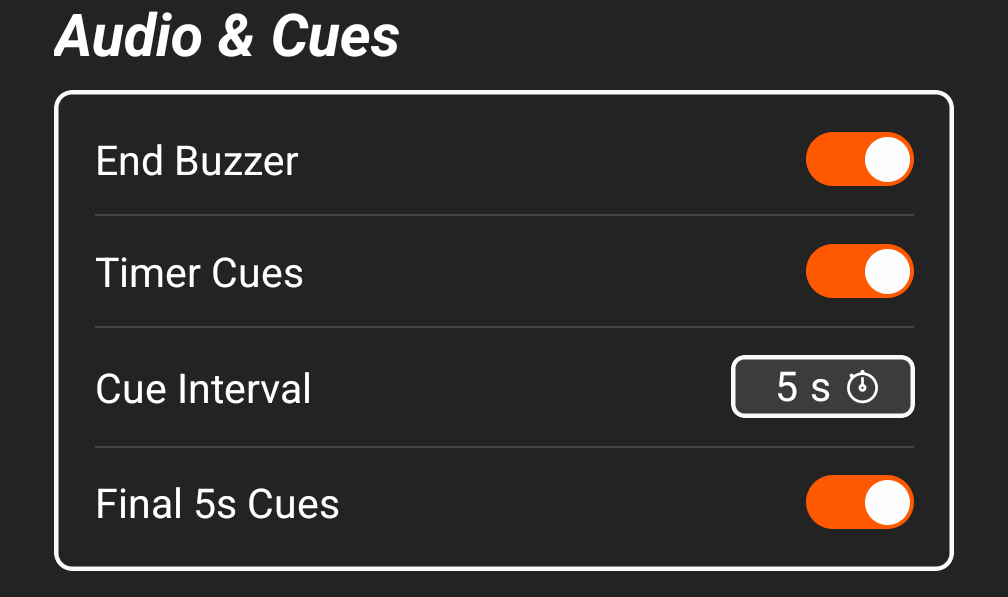
End Buzzer
Sounds the buzzer when the shot clock reaches zero.
Timer Cues
Plays an audible cue as the clock counts down, at the spacing set by Cue Interval.
Cue Interval
Sets how often a timer cue plays, in seconds.
Final 5s Cues
Plays a cue for each of the last five seconds, during the tenth-of-a-second rundown.